
Turn a Photo Into a Finished Auction Listing Before You Put the Item Down

Shoot it. Say what it is. Move on. Bid Lot Wizard binds your photos to your spoken description as you work, then exports the whole catalog with every image already named for upload.

Rating star icon

The Photo Is Half a Listing. Here's the Other Half.

A photograph shows a bidder what something looks like. It can't tell them the maker, the dimensions, whether the mechanism still runs, or that the original key is taped inside the drawer.

That part has to come from you, and it has to come from you while the item is still in your hands.

Caught at the Exact Moment

Bid Lot Wizard exists to catch it at that exact moment. You photograph the lot, tap the microphone, and describe it in as much detail as it deserves. The app binds the images and the description into one lot record and keeps them together all the way to the platform.

No transcription afterwards. No matching files to rows.

How the App Builds a Listing From Your Photos

This is a photo-to-auction listing app in the practical sense rather than the magical one. It doesn't guess what your item is from a picture, and it won't invent a description for you.

What it does is remove every step between capturing an item and having a listing ready to upload. Here is the whole sequence for a single lot.

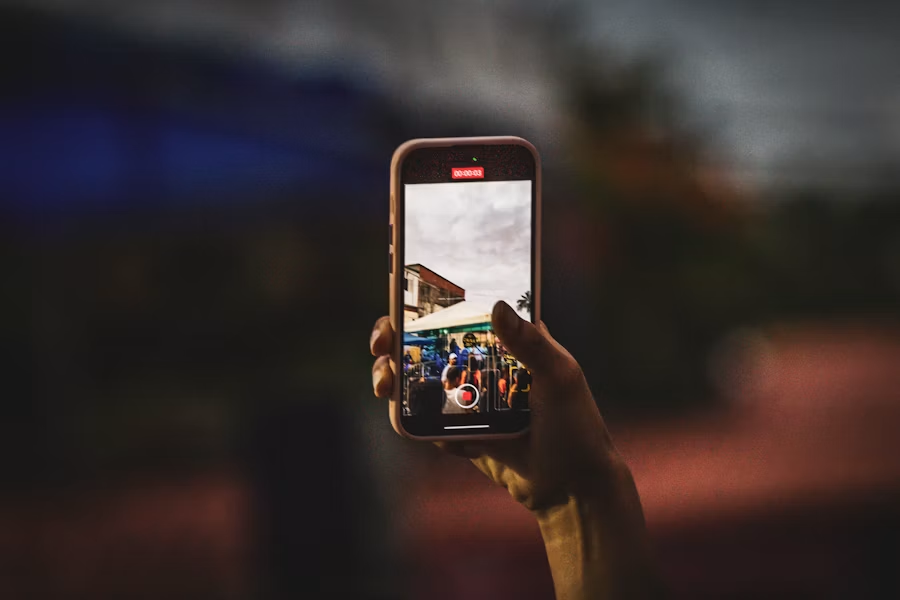
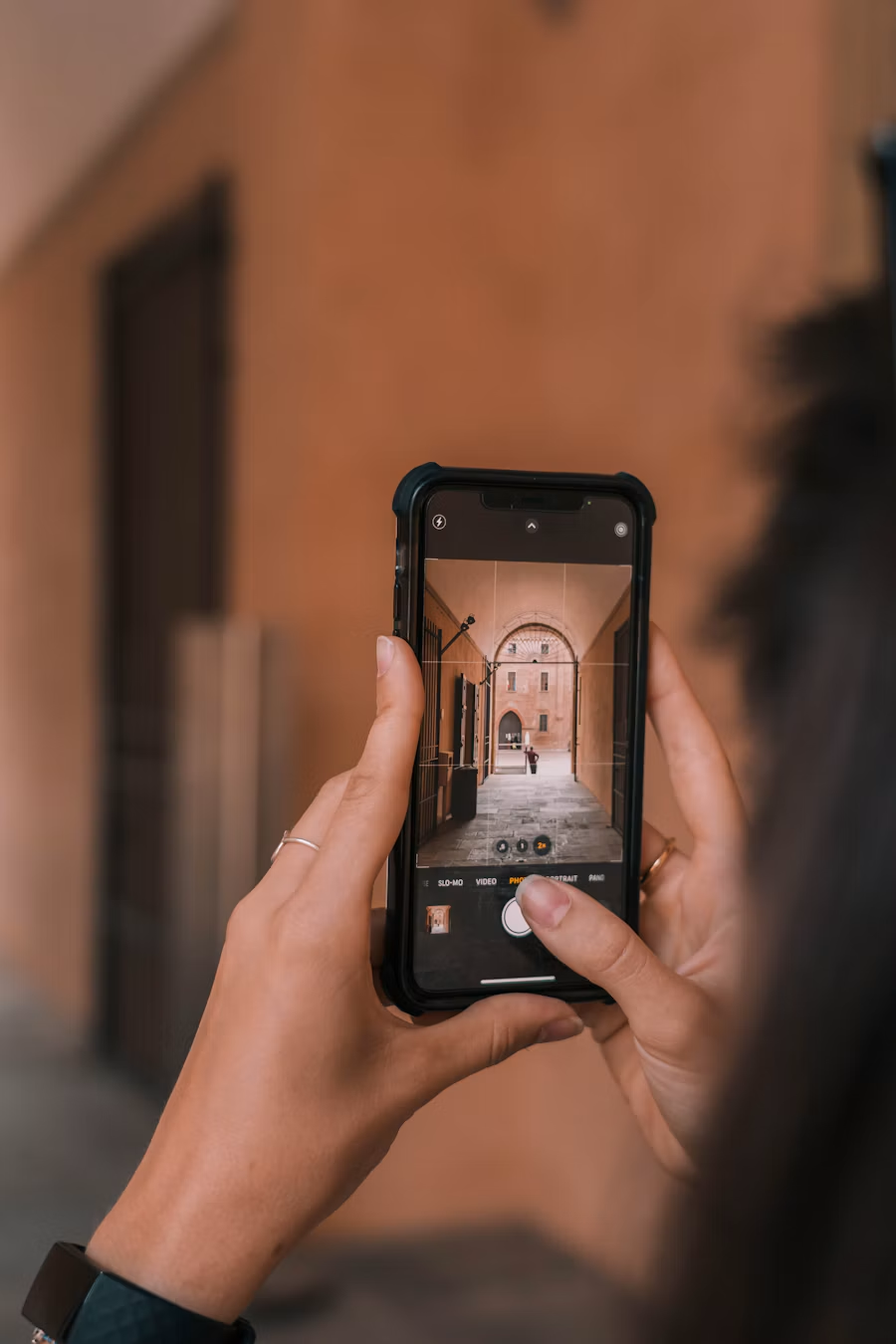
  1. Taking a photo of a lot with a mobile phone
    1

    Photograph the lot

    Open the app and shoot. As many frames as the piece needs: the front, the back, the signature, the chip on the rim you'd rather disclose now than defend later.

    Every image is attached to that lot. Nothing to name, nothing to file.

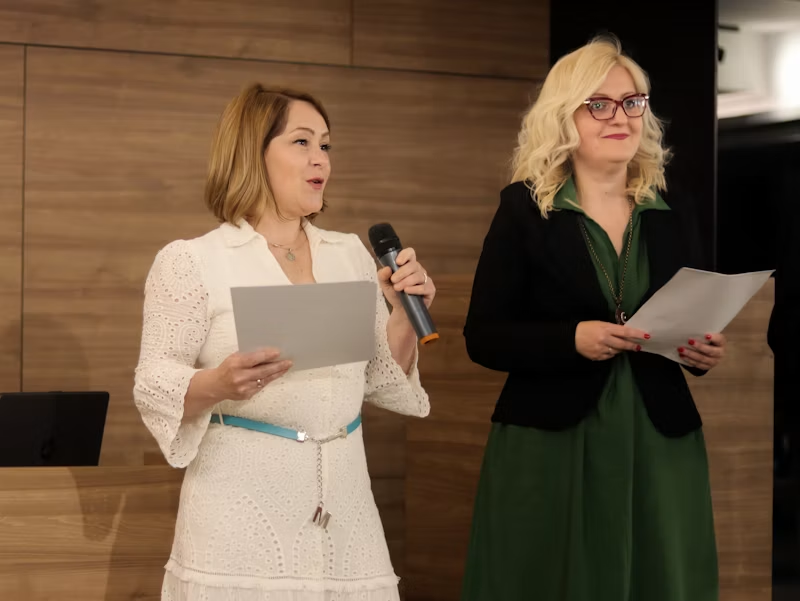
  2. Auctioneer describing a lot out loud into a microphone
    2

    Describe it out loud

    Tap the microphone and talk. A wristwatch gets its case size, movement, bracelet condition, and whether the box is present. A dresser gets its wood, its dimensions, and the state of the runners.

    You're describing it to a bidder who will never touch it. Say what you'd want to know.

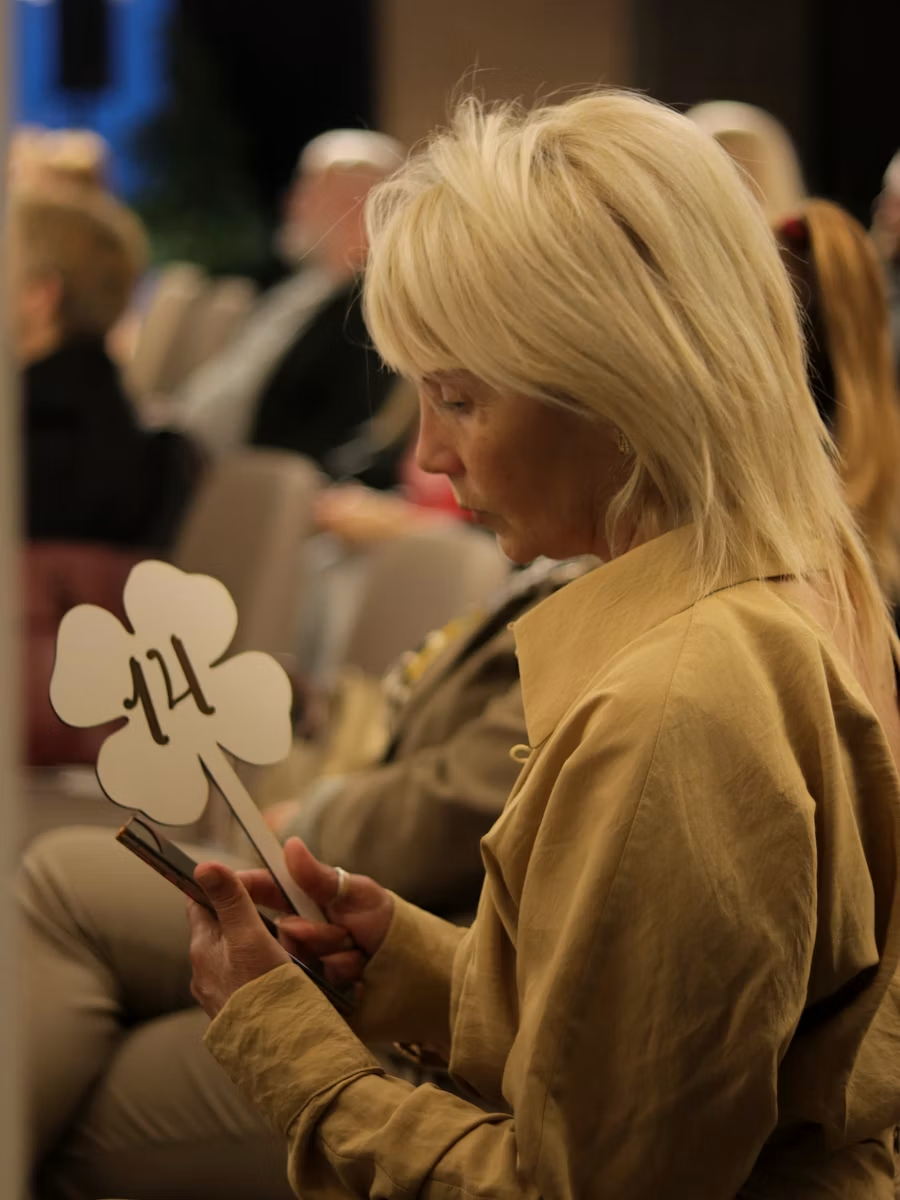
  3. Auctioneer typing a lot description on a phone
    3

    Or type it, if that suits the lot better

    Voice is faster for most things. Some lots want typing: a long model number, a line of foreign text, a serial you need to read character by character.

    Both live in the same field. Use whichever the item calls for.

  4. Office chair, one of a matched set of repeat lots
    4

    Duplicate anything repetitive

    A pallet of identical hand tools doesn't need describing twelve times. Duplicate copies the last lot, you change what differs, and you keep moving.

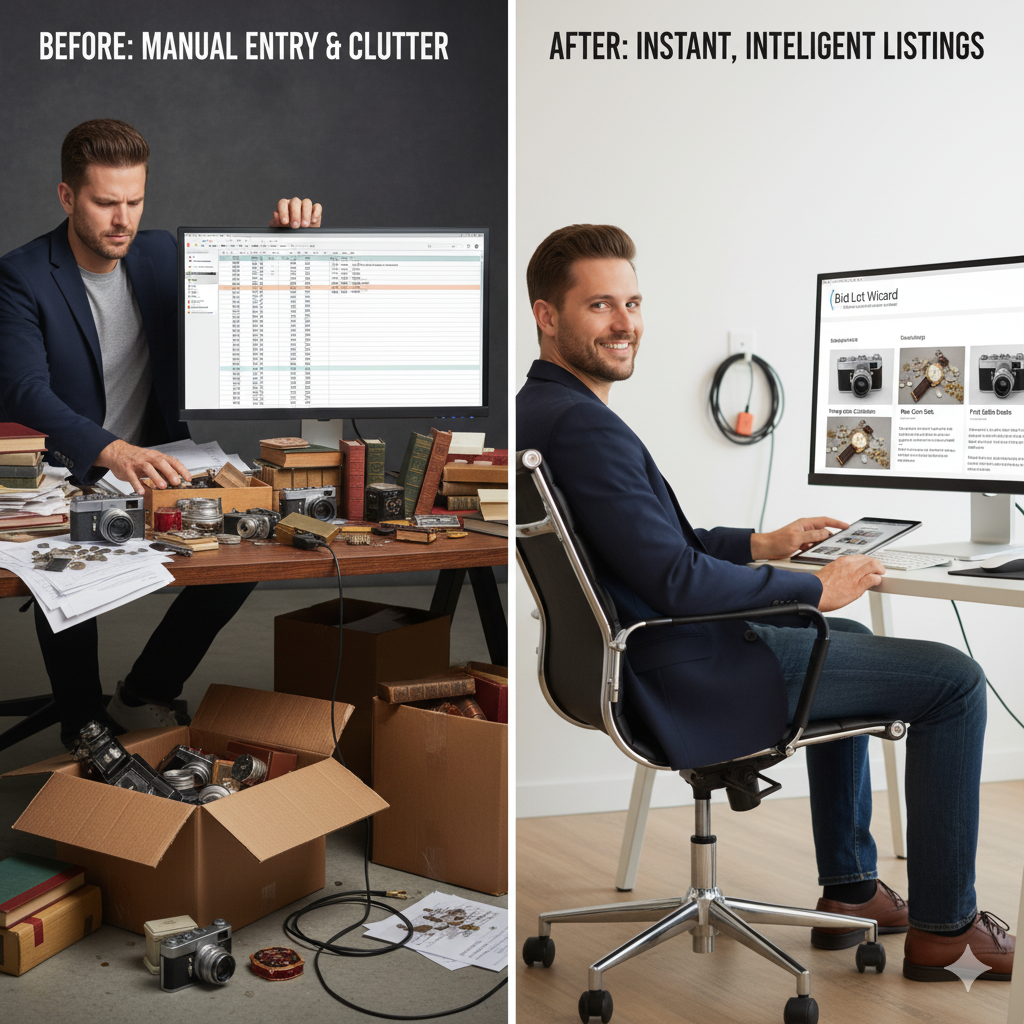
  5. Before and after: manual data entry clutter versus finished auction listings
    5

    Export

    One tap produces a .csv of your lot data and renames every photo to the format auction platforms expect on upload.

    Take both to your platform. Launch.

The File Renaming Problem Nobody Talks About

Handwritten lot notes on a paper pad at a desk

Ask an auctioneer what they hate about photographing a sale, and they rarely say the photography. They say the renaming.

Because a phone gives you IMG_4471.JPG, and an auction platform wants a file named so it lands against lot 87. Between those two facts sit a few hundred manual renames, done from a folder, hours after the event, with no item in front of you to check against.

It's the single most error-prone task in the whole process. One mis-sequenced rename, and a bidder sees the wrong photograph on the wrong lot, which, once the sale is live, is a phone call rather than a fix.

The export handles it. Photos come out named to match the lots they belong to, because the app knew which lot they belonged to the moment you shot them.

One Lot, Start to Finish

A framed print comes off the wall

You photograph it: full frontal, the signature in the lower margin, the edition number, the reverse with its gallery label, a close-up of the foxing on the mount.

You hold down the microphone:

“Framed limited edition print, signed lower right, numbered forty-two of two hundred, gallery label verso, some light foxing to the mount, frame measures twenty-four by eighteen inches.”

You tap next. Elapsed time: under a minute. What used to happen, a number scrawled on a sticker, five photos to sort out later, a description reconstructed from memory at the end of the day, doesn't happen at all.

Multiply that across a full sale, and you can see where the evening goes.

A harder one: a cased sewing machine with accessories

Photographs: the machine in place, the badge and serial, the treadle, the case interior with its feet and bobbins laid out, the cable and pedal. Then:

“Cased electric sewing machine, serial visible to the bed, original hard case, includes pedal, cable and a tin of assorted feet and bobbins, motor untested, light surface wear to the case.”

Five images and one spoken sentence, and the lot is described more completely than most machines ever are, because the accessories were in front of you when you said it, not remembered from a note that said “sewing m/c + bits.”

Photographing Lots That Contain More Than One Item

Grouped lots are where thin listings do the most damage. “Box of kitchenware” tells the bidder nothing, and they price it accordingly.

A photo-to-auction listing app helps here simply by removing the friction that causes the shortcut. Because there's no file to rename and nothing to retype, there's no reason to shoot three images instead of eight.

How to Shoot a Grouped Lot

Lay the contents out. Photograph the group, then the pieces worth naming individually. Say what's in it while you're looking at it: the count, the notable makers, the one item that carries the lot.

The description takes twenty seconds longer. The bid rarely reflects twenty seconds.

What It Won't Do

Worth being straight about the boundaries, because the category invites assumptions.

If you want the full capture workflow rather than just the photo side, that's covered on the auction lotting software page.

  • It doesn't identify items from a photograph, value them, or write descriptions for you; your expertise is still the product.
  • It doesn't host your auction, take bids, or process buyer payments.
  • It doesn't lock your files in; photos, descriptions, recordings, and exports are yours throughout.
  • It doesn't need installing; it runs in a browser on the phone you already carry.
  • It doesn't require a second device, a camera rig, or anything else to buy.
Auctioneer holding a smartphone, running the whole catalog from the phone

Frequently Asked Questions

Is there an app that turns photos into auction lots?

Dropdown chevron icon

Yes. Bid Lot Wizard is a browser-based photo-to-auction listing app: you take unlimited photos of a lot, add a spoken or typed description on the spot, and export a .csv with every image renamed to upload straight to your auction platform. It runs on your phone, with nothing to install.

How many photos can I take per lot?

Dropdown chevron icon

As many as the lot needs. There's no cap, and there's no reason to be sparing; extra angles answer bidder questions before they get asked, which means fewer emails during the sale.

Do the photos get renamed automatically?

Dropdown chevron icon

Yes, at export. Each image comes out named to match the lot it belongs to, in the format auction platforms expect, so you upload rather than reorganize.

Can I fix a description after I've moved on?

Dropdown chevron icon

Yes. Descriptions can be edited before export, and the exported .csv opens like any spreadsheet if you want a final pass before the catalog goes live.

Will my photos upload to the platform I already use?

Dropdown chevron icon

The export renames your images to the format auction platforms expect and produces a .csv alongside them, so the upload is a standard one. Requirements vary between platforms, so check yours against a small test batch before running a full sale through.

Does it work on any phone?

Dropdown chevron icon

It runs in a web browser and uses your phone's existing camera and microphone, so there's no app store download and no separate program to install. You log in at bidlotwizard.com and start.

See It on Your Next Lot

Photograph something. Describe it. Export it. That's the whole test, and the free two-week trial covers up to 100 lots, enough to run a real consignment rather than poke at a demo.

Questions first? The line is answered Monday to Saturday, 9:00 am to 6:00 pm. Call 440-454-1121 or email support@bidlotwizard.com. Full terms are on the pricing page.

©2026 Bid Lot Wizard. All Rights Reserved. Designed and Developed by Ogrelogic.

Terms & Conditions | Privacy Policy