


Auction Cataloging Software That Builds the Record While You Work
Your catalog is what bidders read, judge, and buy from. Bid Lot Wizard builds it as you move through the sale, so what reaches the platform is what you saw in the room.
Your catalog is what bidders read, judge, and buy from. Bid Lot Wizard builds it as you move through the sale, so what reaches the platform is what you saw in the room.

A bidder sitting three states away never handles the item. They bid on a photograph and a paragraph, and if the paragraph is thin, they either bid low or don't bid at all.
That makes the catalog the most commercially important thing your team produces all week. It's also the thing most likely to get rushed, because it's written last, at the end of a long day, from notes taken hours earlier.
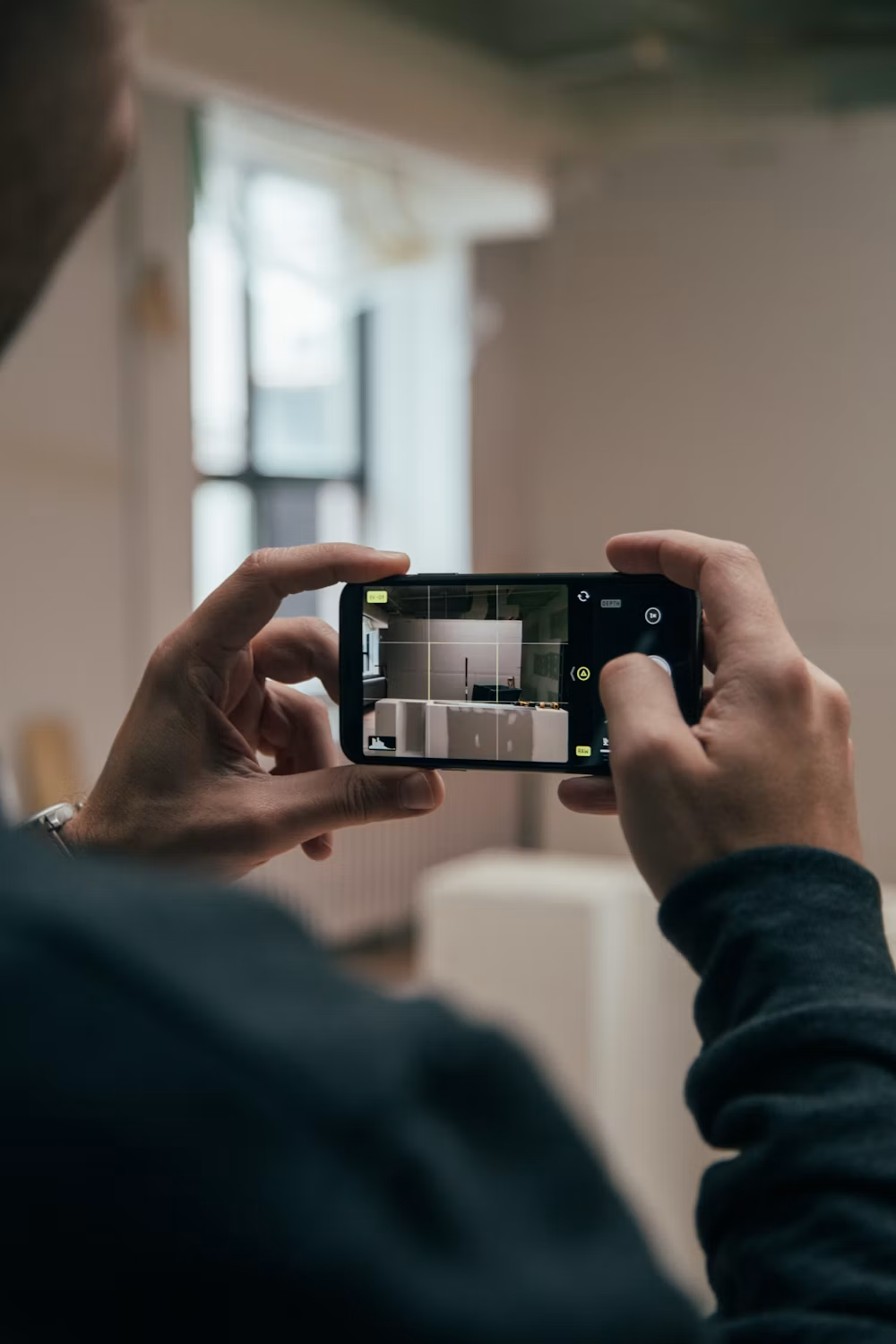

The detail that lifts a lot is almost always noticed on site and lost on the way to the keyboard. The maker's mark, the original box, the fact that the set is complete, the service history on a piece of equipment.
None of that survives a shorthand note written while balancing a pad against a shelf. What reaches the platform is “box of glassware” when the truth was a complete pressed-glass service in good order.
The same 300-lot sale goes through the same stages either way. What changes is how many times you touch each one and where the description is written.
Here is the same job, side by side, from the first tag to the finished upload:
| Stage | Working by hand | With Bid Lot Wizard |
|---|---|---|
| Numbering | Written on tags and a pad, tracked manually as you go. | Enter a starting lot number once; the app counts from there. |
| Photos | Shot on a phone, then renamed file by file to suit the platform. | Unlimited photos per lot, renamed automatically at export. |
| Descriptions | Scribbled as shorthand, retyped into a spreadsheet later. | Spoken or typed at the item and stored against that lot. |
| Repeat items | Written out again for every identical piece. | Duplicate copies the previous lot in one tap. |
| Research | Noted as “look up later”, often forgotten. | Pasted straight into the description field or the spreadsheet. |
| Reaching the platform | Spreadsheet built by hand, photos matched to rows. | Export produces a .csv with photos already named to match. |
The right-hand column isn't a different job. It's the same job with the duplicated effort taken out.
Notice that every difference sits in the same place: the point where information moves from one format to another. Writing shorthand and retyping it, shooting a photo and renaming it, building a spreadsheet row to match a file you named an hour ago. Auction cataloging software doesn't make you a faster auctioneer; it removes the conversions.
Bid Lot Wizard's stated figure is up to 80% faster than lotting by hand. Rather than take a percentage on trust, put your own number against it.
If a mid-sized sale currently costs you ten hours between the walkthrough and the finished upload, that figure points at roughly two. If it costs you five, you are looking at about one. The saving lands mostly in the evening work, because the evening work is the part that disappears entirely when descriptions are captured on site.
Nobody minds the walkthrough. Handling the goods, spotting the sleeper in the back of a cupboard, working out how to group a room- that's the part of the job worth doing.
The hours that come back are the other kind: sitting at a desk at nine at night renaming JPEGs and typing your own handwriting into a spreadsheet. That work carries no judgment, adds no value to the sale, and is where mistakes quietly enter the catalog.
Before judging any cataloging tool, it helps to be clear about what a finished lot entry actually needs to contain. A record is complete when a bidder who cannot touch the item still knows what they are bidding on.
That comes down to a small number of fields, each doing a specific job for the person deciding whether to place a bid:

The app prompts for a title, a description, and an estimated value on every lot, which means the structure is built into the capture rather than left to whoever is holding the pad that day.
Most bad catalog entries aren't caused by carelessness. They're caused by the gap between seeing an item and writing about it, and the same five failures show up again and again.
These are the specific points where good information stops making it through to the bidder:

Each one is a small failure on its own. Across a 300-lot sale, together they're the difference between a catalog that sells and one that just lists.
Auction cataloging software only earns its place if it fixes the actual failures above rather than adding a screen between you and the goods. Each feature in the app exists to remove one of them.
Descriptions are captured by voice at the item, which closes the memory gap. Photos are attached to their lot and renamed on export, which removes the mismatch risk. Duplicate keeps repeat items consistent instead of leaving them to five different phrasings.
Some lots can't be described properly on the spot. A signature needs checking, a model number needs looking up, a piece of equipment needs its specification confirmed before you commit a claim to print.
Those lots are where “note it and come back to it” quietly fails, because coming back means finding the item again in a room you have already left. The app lets you research an item and paste a fuller description straight into the description field or the exported spreadsheet, so the detail lands on the right lot rather than in a notebook.
On a large consignment, more than one person ends up describing lots. Left to notepads, you get three writing styles and three levels of detail in one catalog.
Because the app asks for the same things in the same order every time, what comes back reads as one sale rather than three. That matters most on the lots a bidder compares directly, where an inconsistent description makes the better item look like the worse one.
It also removes the review pass at the end, where someone senior reads the whole catalog trying to even out the entries before it goes live. When the structure is fixed at the point of capture, there is far less to standardize afterwards.

The photos, descriptions, voice recordings, and exported files belong to you throughout. The app is auction lot management software for preparing a sale, not a platform that holds your catalog hostage.
Once the .csv is exported, it opens like any spreadsheet and goes wherever you sell. You can read more about the capture process on the auction lotting software page.


Auctioneers catalog either by hand, tags, written notes, and a spreadsheet afterwards, or with dedicated software. Bid Lot Wizard is browser-based auction cataloging software that captures photos and spoken descriptions at the item, then exports a .csv with renamed photos ready to upload to the platform you already sell on.
Yes. You can type over or add to any description before exporting, and once the .csv is generated, it opens like an ordinary spreadsheet for a final pass. Nothing is locked, and edits don't need to go through support.
Yes. The annual plan carries no cap on lots, auctions, or photos, so a 900-lot estate clearance runs the same way a 90-lot consignment does. The Duplicate function does the heavy lifting wherever items repeat.
A .csv file containing your lot data, together with your photos renamed to the format auction platforms expect on upload. You take both to your platform and launch the sale from there.
No. The app runs in a browser and uses the camera and microphone your phone already has. There is nothing to install, and no separate device to buy, charge, or keep track of on site.
No, and it isn't meant to. The app prepares the catalog and hands it over; it doesn't host the sale, take bids, or process buyer payments. You keep whatever platform and buyer relationships you already have.
The only way to judge a catalog tool is to catalog something with it. The free two-week trial covers up to 100 lots, which is enough to run a genuine consignment rather than a demo.
If you would rather ask something first, the support line is answered Monday to Saturday between 9:00 am and 6:00 pm. Call 440-454-1121 or email support@bidlotwizard.com, and the full terms are set out on the pricing page.
©2026 Bid Lot Wizard. All Rights Reserved. Designed and Developed by Ogrelogic.

Have an account? Login
Join us and start your journey today!
Your account has been created. Welcome aboard!