
The Best Auction Lotting Software Built for Modern Auctioneers

Bid Lot Wizard finishes your catalog before you leave the property. Photograph the lot, speak the description, tap next, and export a ready-to-upload file with every image already named. One flat yearly price. No monthly bill.

Rating star icon

Three Reasons Auctioneers Choose It

Most lotting tools shave a little time off a bad process. This one removes the bad process.

Auction crew finishing the catalog on site

The catalog is finished when the walkthrough is finished

Every description is captured on site, out loud, while you're holding the item. There's no notepad, no shorthand, no evening session reconstructing what you meant by “brass lamp, gd cond?”

You walk out of the building with the sale ready to upload.

Wooden auction gavel and sound block on marble

One annual price, and it never moves

$497 for 365 days. Not per lot, not per auction, not per month, not more because you had a good quarter.

The biggest sale of your year costs the same as the smallest.

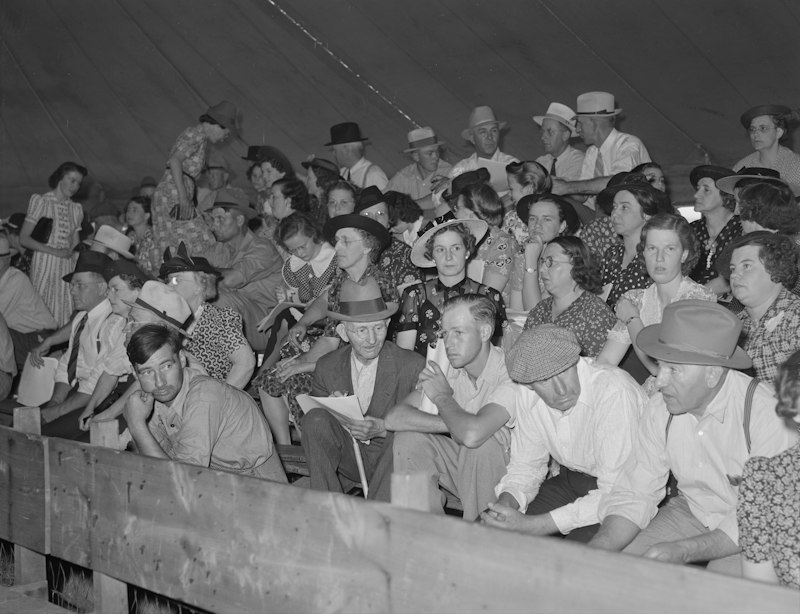
Farm auction crowd at a county fair livestock sale

It was built by someone who runs auctions

Not by a software company that researched the industry. By a licensed Ohio auctioneer with fifteen years running his own firm, who got tired of the same cataloging grind you're dealing with and built the fix.

That's why there's a starting lot number field. That's why there's a Duplicate button. Those aren't features somebody dreamed up; they're answers to problems he'd had that week.

Everything the $497 Includes

No tiers to compare, no modules to add later, no features held back for an enterprise plan that costs more.

Voice capture at the item

Tap the microphone and describe the lot properly: maker, dimensions, condition, the detail that lifts the price. Speaking is faster than typing and far faster than writing, which means richer descriptions rather than the bare minimum you could scribble one-handed.

Prefer to type? The keyboard is right there. Some lots want it.

Unlimited photographs per lot

Shoot as many angles as the piece deserves. There's no cap and no per-image charge, so the decision is always “what does a bidder need to see” rather than “what can I justify.”

Every image attaches to its lot automatically. Nothing to file, nothing to match up later.

Duplicate for repeat items

Near-identical pieces take one tap instead of a full re-entry. On any sale with volume, this is where the biggest single block of time comes back, and it keeps repeating lots described consistently instead of five different ways.

Export that's genuinely ready to upload

One tap produces a .csv of your lot data with every photograph renamed to the format auction platforms expect. The folder-renaming session that used to eat an evening simply doesn't happen.

The file opens like any spreadsheet if you want a final polish before it goes live.

Nothing to install, on any phone

It runs in a web browser using the camera and microphone your phone already has. No app store download, no desktop software, no tablet to buy and keep charged, no IT conversation before you can start.

Log in at bidlotwizard.com and go.

Support from people who know auctions

The line is answered Monday to Saturday, 9:00 am to 6:00 pm. You're not explaining what a lot is to someone reading from a script.

Every update included

Improvements released during your subscription are yours at no extra cost. You don't buy a version and then get asked to buy the next one.

Why the No-Subscription Model Matters

Ask any auction business what's changed in five years and software charges will be on the list. A tool here, a platform there, a monthly fee for something used twice a season, all of it leaving the account whether you held a sale that month or not.

Bid Lot Wizard exists specifically because its founder refused to add one more.

Pay once a year. Use it as much as you like. If you run a heavy spring and a quiet summer, the cost doesn't follow the workload; it just sits there, flat, already paid.

Run twelve sales a year, and it works out to around $41 a sale. Run thirty, and it's under $17. Full terms are on the pricing page.

$497 / 365 days
  • No per-lot or per-auction fees
  • No monthly bill
  • Every update included
  • Support Monday to Saturday

What Changes on Monday Morning

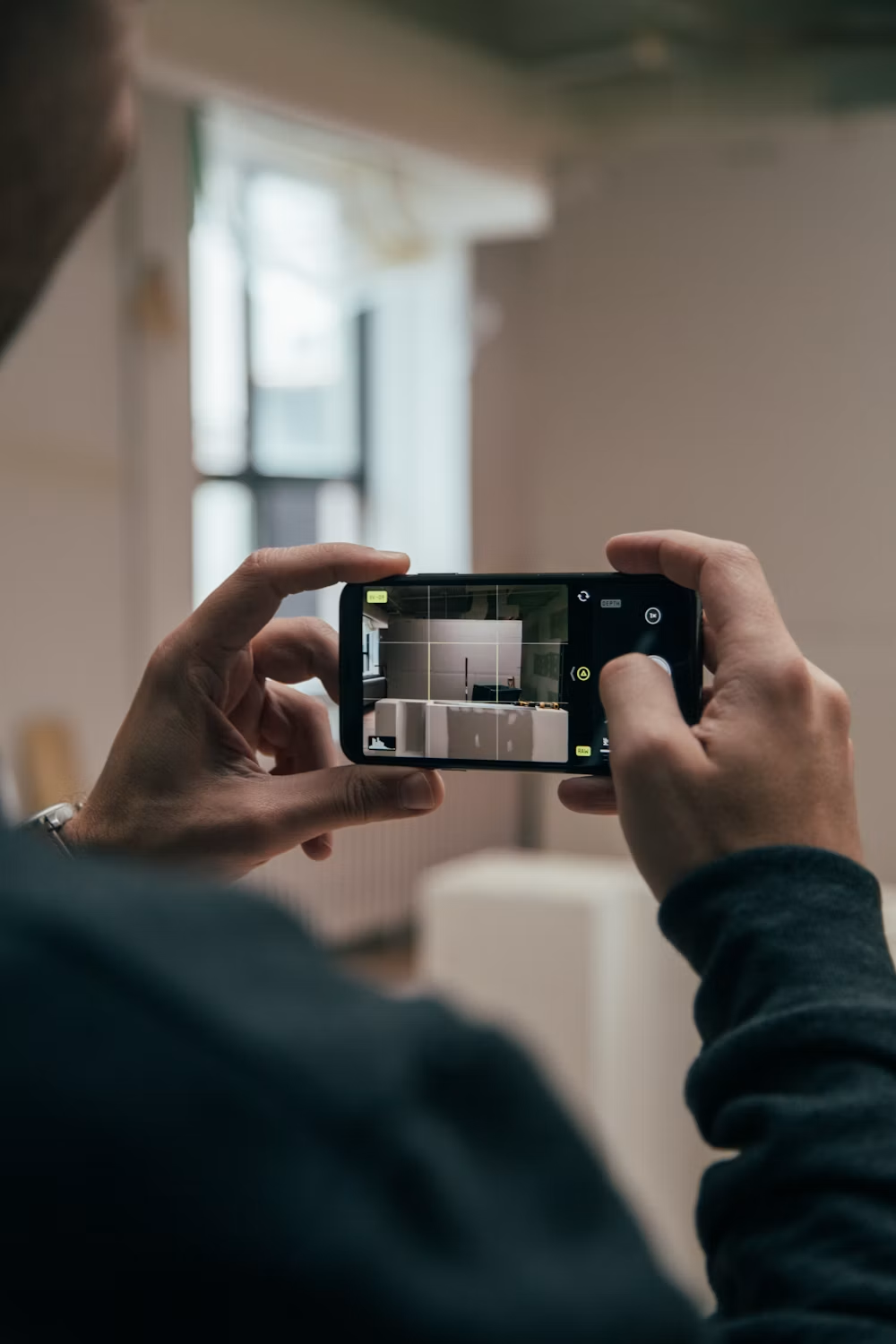
Photographing an item with a smartphone camera

The difference isn't abstract. It shows up in your week almost immediately.

Sales get listed sooner because the catalog is finished the day you walk the property instead of two evenings later. That means more lead time for marketing, which is the cheapest way there is to lift a hammer price.

Your team stops dreading volume. A big consignment used to mean a big backlog; now it means a longer walkthrough and nothing else.

Descriptions get better without anyone trying harder, because they're recorded in front of the item rather than rebuilt from a note. Better descriptions mean fewer buyer questions before the sale and fewer disputes after it.

And the evenings come back. Not as a slogan, but as actual hours that used to go on renaming files and typing your own handwriting into a spreadsheet.

That combination is what makes it, for a lot of working auctioneers, the best auction lotting software in 2026 has on offer: not a longer feature list, but an entire stage of the job that stops existing.

Learn It on One Sale

There's no implementation project here. No data migration, no configuration, no training day to schedule before anyone can use it.

You name an auction, enter a starting lot number, and start photographing. That's the whole setup, and most people are working confidently before the end of their first room.

That matters more than it sounds. Software that needs a week of learning never gets adopted by the people who lot sales, because they're busy lotting sales. A tool simple enough to hand to someone mid-job is the best auction lotting software in 2026 that actually gets used.

Seasonal Help Is No Burden

Anyone who can take a photograph and describe an object can contribute to the catalog, and what they produce follows the same structure as everyone else's.

Name an auction. Enter a starting lot number. Start photographing.

Built for the Way Auctions Actually Get Lotted

Software that assumes ideal conditions fails in the places auctioneers actually work: poor light, no desk, one hand free, a client watching.

This was designed around those conditions rather than despite them.

  • Works one-handed on a phone, because your other hand is holding the item.
  • Follows your numbering system instead of imposing one, starting wherever you tell it to.
  • Continues across multiple days, picking up where the last session ended.
  • Captures provenance the moment someone mentions it, before the detail is lost.
  • Needs no signal-dependent setup ritual, no logins for your crew to chase, no sync to babysit.

Whatever You're Lotting

The same workflow carries across sale types, which is why it suits general auction houses rather than one narrow specialism.

Estate and household contents. Commercial and business assets. Consignment sales, charity and benefit auctions, farm and equipment sales, collections and single-owner offerings.

High-volume, high-repetition jobs benefit most, because Duplicate does so much of the work. But a small, high-value sale benefits too; the descriptions are simply better when they're recorded in front of the item.

If you want the details on a particular type of sale, there's a dedicated page for estate sale lotting software and one covering the photo-to-auction-listing app side of the workflow.

One Person or a Full Crew

It suits one-person operations and multi-person crews equally, for opposite reasons.

Solo auctioneers gain most from having no back-office stage at all, since there's nobody else to hand the retyping to.

Larger teams gain most from consistency, because the app asks for the same information in the same order no matter who is holding the phone, and the catalog comes back reading as one sale rather than several.

What It Does, and What It Doesn't

Worth stating plainly so nothing surprises you after purchase.

It prepares auction catalogs. It captures photographs and descriptions, organizes them into lots, and exports them ready for upload.

It does not host auctions, take bids, or process buyer payments; you keep whatever platform and buyer relationships you already have. It doesn't identify or value items from a photograph either; your expertise is still what makes a catalog worth reading.

And it doesn't hold your work hostage. Your photos, descriptions, recordings, and exported files belong to you throughout, and anything you've exported stays yours whatever happens to your subscription.

Try It on a Real Sale Before You Pay

You shouldn't have to take a trust claim, so the trial is built to be used rather than admired. Two weeks, up to 100 lots, completely free. That's a genuine consignment, not a sandbox with dummy data, enough to run the whole process end to end and see the export land on your platform.

Two things stated plainly: the trial requires a card to start, and it converts to the $497 annual plan automatically at the end of day fourteen unless you cancel. Put the date in your calendar when you sign up, and the decision stays yours entirely.

Start Your Free 2-Week Trial
Auctioneer holding a smartphone, running the whole catalog from the phone

Frequently Asked Questions

What makes this the best auction lotting software 2026 has for a small auction house?

Dropdown chevron icon

Three things that matter most to a small operation: descriptions are captured on site so there's no back-office work, the price is flat so a big sale doesn't cost more, and there's nothing to install because it runs on the phone you already carry. No staff and no IT are required to get value from day one.

How fast is it compared to lotting by hand?

Dropdown chevron icon

Bid Lot Wizard is built to auction up to 80% faster than working by hand. The savings come from removing the passes that happen after you leave, retyping notes, renaming photo files, and building a spreadsheet row by row.

Do I need to be a licensed auctioneer to use it?

Dropdown chevron icon

No. The software doesn't require a license. It prepares a catalog and exports it, and what you do with that catalog is your decision.

Can I use it on more than one sale at a time?

Dropdown chevron icon

Yes. The annual plan carries no cap on lots, auctions, or photographs, so you can run as many sales through it as your calendar holds.

What exactly do I get at the end of a sale?

Dropdown chevron icon

A .csv file containing every lot and its description, plus all your photographs renamed to match the lots they belong to. Both are yours to upload to the auction platform you already use.

Can I edit descriptions before the catalog goes live?

Dropdown chevron icon

Yes. Any description can be changed before you export, and the exported .csv opens like an ordinary spreadsheet if you want a final read-through. Nothing is locked, and no change has to go through support.

What happens to my catalogs if I stop subscribing?

Dropdown chevron icon

Anything you've already exported is yours and stays with you, the .csv files and the renamed photographs both. Your content belongs to you throughout; what ends is access to the app itself.

Is there a monthly plan?

Dropdown chevron icon

No, and that's deliberate. The product exists because its founder didn't want another monthly subscription, so pricing is a single annual charge of $497 with no recurring monthly bill.

Start Your Next Sale With It

The fastest way to judge any lotting tool is to lot something. Take the free trial to your next walkthrough, catalog up to 100 items the way you normally would, and see what's left to do when you get home. The answer should be nothing.

Call 440-454-1121 Monday to Saturday, 9:00 am to 6:00 pm, or email support@bidlotwizard.com if you'd rather ask first. The full workflow is set out on the auction lotting software page.

©2026 Bid Lot Wizard. All Rights Reserved. Designed and Developed by Ogrelogic.

Terms & Conditions | Privacy Policy